The Patient Portal is the personal tracking screen your clinic gives to its patients. There is no separate app to download: the patient logs in from the browser with their phone number and their own access code, and can add it to their home screen if they like. The portal opens in Turkish, English, German or Russian, depending on the patient's language.
Real interface · Sample data from demo modeThe screens below were taken from the real portal. The portal is designed for phones first, and it works with the same simple look when opened on a computer.
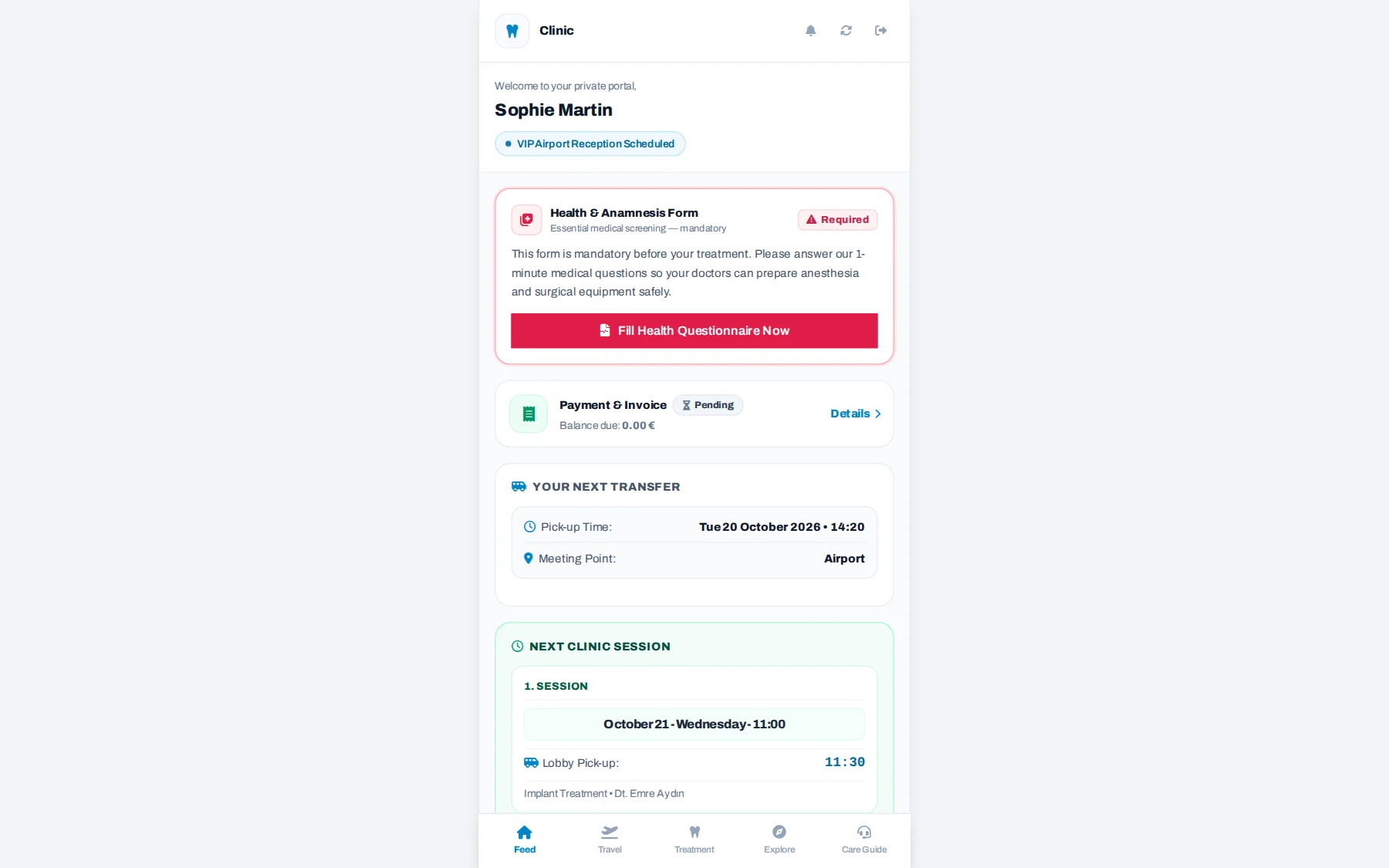
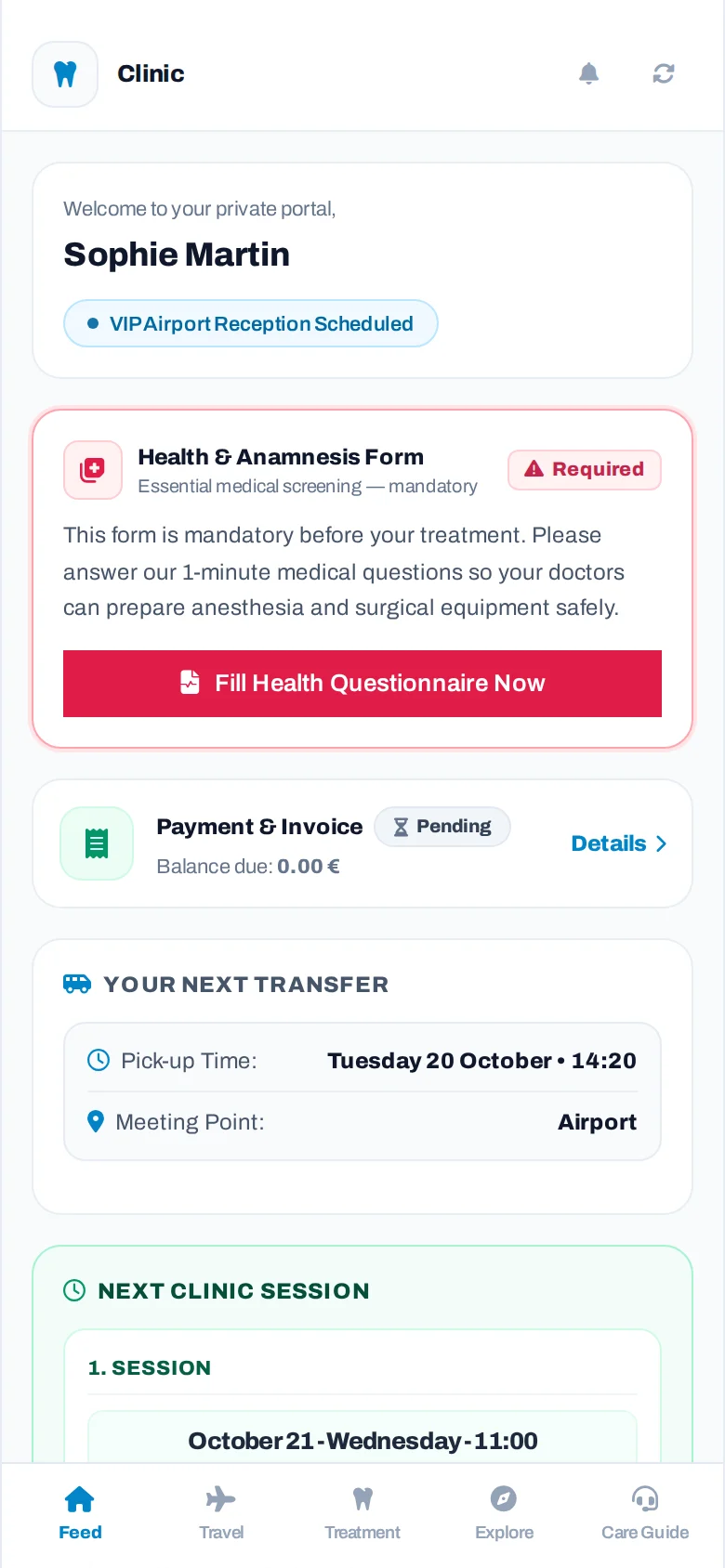
The first screen the patient sees: payment summary, transfer time and meeting point, and the treatment journey.
The portal gathers everything the patient needs in five tabs; every piece of information comes automatically from the clinic's records.
Flight countdown, next appointment, transfer time and meeting point, medical history form and notifications.
Arrival and return flights, hotel details and, if the clinic wishes, guest Wi-Fi.
Their doctor, treatment, appointments, medication list, treatment-specific care guide, documents and payment summary.
Clinic photos, before/after gallery, certificates, team and city guide.
Reaches their coordinator with one tap; manages notification, language and theme settings here.
Pickup time and meeting point. No vehicle or plate is shown; the driver's contact card appears only if the clinic enables it.
The clinic sets the questions. Critical questions (such as blood thinners, allergies or heart conditions) start empty, and the form cannot be sent until they are answered.
Total price, amount paid and amount remaining. The correct remaining balance for plans with more than one visit.
When the patient turns on notifications, they get instant updates when an appointment is set, when a transfer is set and when the driver sets off.
First stars, then a comment. Patients who give 4 or 5 stars are shown a Google and Trustpilot link; the clinic can see who shared.
The portal opens in Turkish, English, German or Russian, following the phone's language, and the patient can change it at any time. Dates and texts appear in the chosen language.
The patient's own doctor and coordinator. Calls or writes to the coordinator on WhatsApp with one tap.
Arrival and return flights and the hotel name. The clinic can also add the guest Wi-Fi details if it wishes.
The phone number and the access code are both required, with a bot check and a limit on attempts. Doctor notes are never shown to the patient.
The treatment plan, X-rays and reports shared by the clinic on the patient's phone; only files released to the patient are visible.
Medication list with dose times; a reminder at every dose time. Treatment-specific care guide in Turkish and English.
The portal follows the phone's theme; the patient can choose the light or dark look themselves.
The plan and price quote prepared by the clinic on the patient's phone; the patient reviews it, accepts it and downloads it as PDF.
If the clinic runs this program, the patient refers someone close to them and follows the status of the referral.
From Settings > Patient Portal you choose which sections are shown (gallery, team, documents, driver contact), the care guides and the notification texts. The login link and tracking code are sent to the patient with a ready-made message in one tap.

Let's look at this part together in a live demo.
In a live demo, let's open the portal with a sample patient and prepare your clinic's medical history questions together.